Custom Screens and Dashboards on My Raspberry Pi Art Frame
A while back I built an art frame powered by a Raspberry Pi. It shows art and family pictures with feh, and I still like it a lot.
But a screen on the wall can show more than pictures. I wanted a clock. Then the weather. Then what’s playing right now. So the frame got a second job: it runs dashboards.
The dashboards
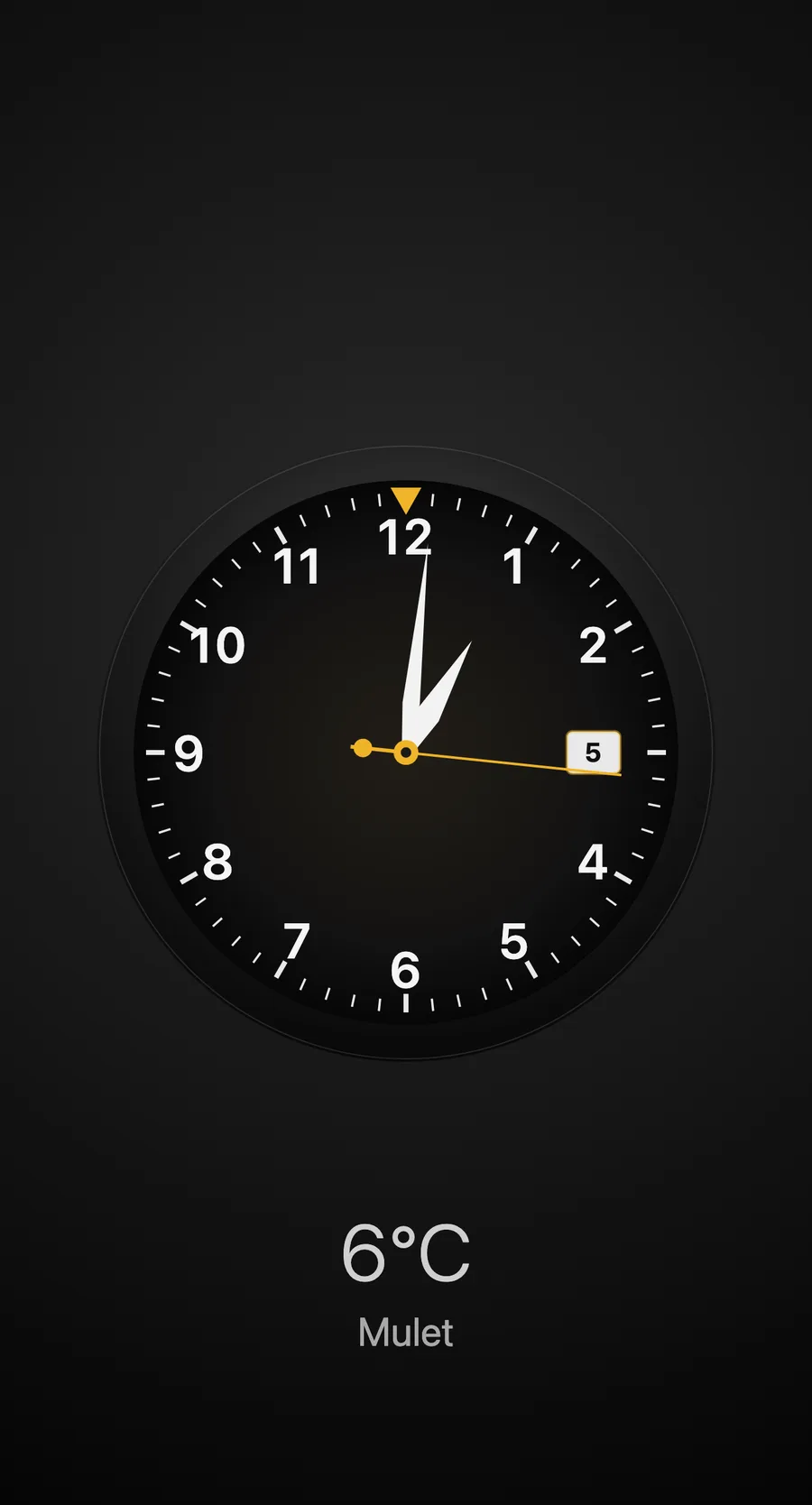
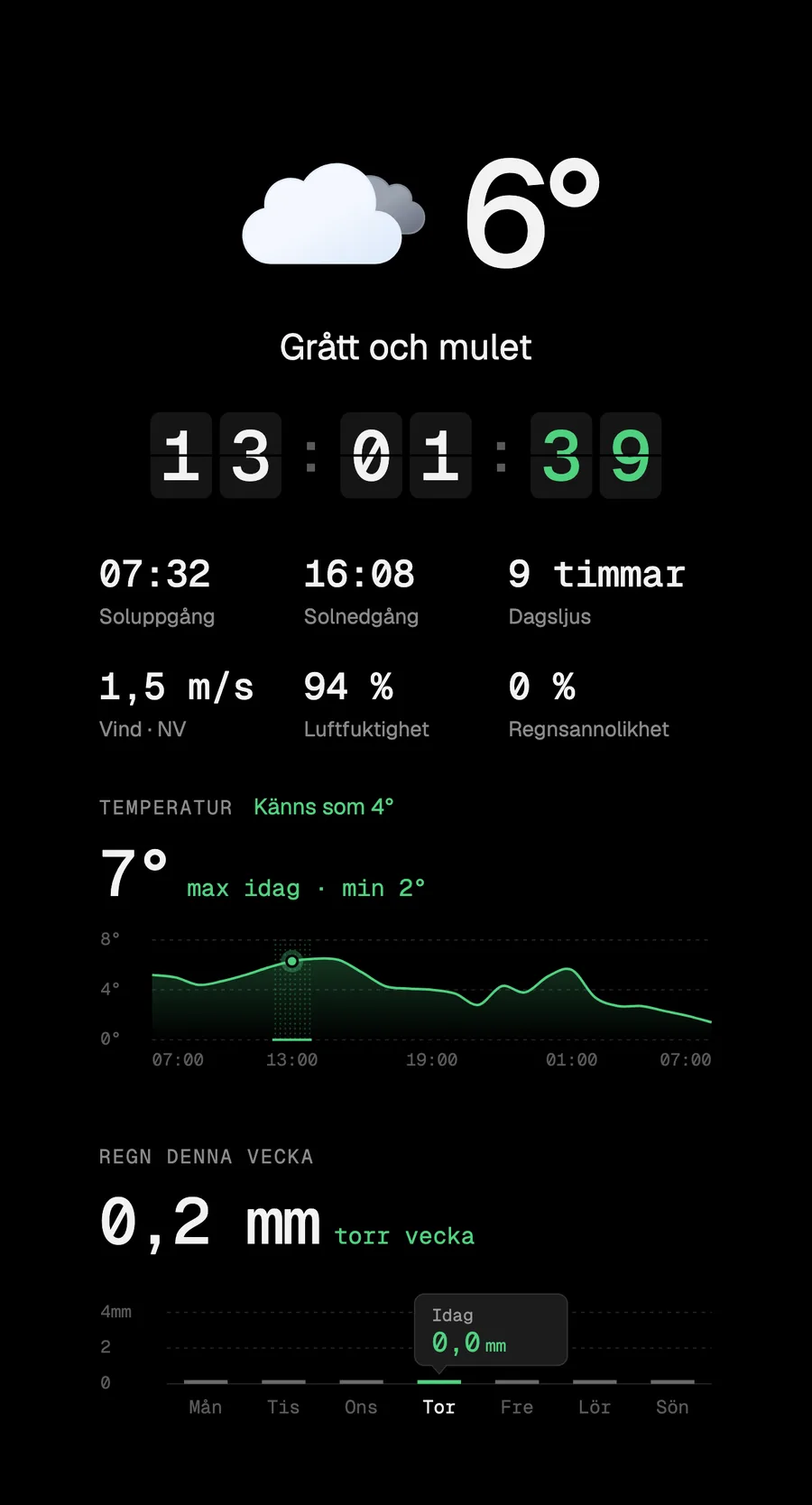
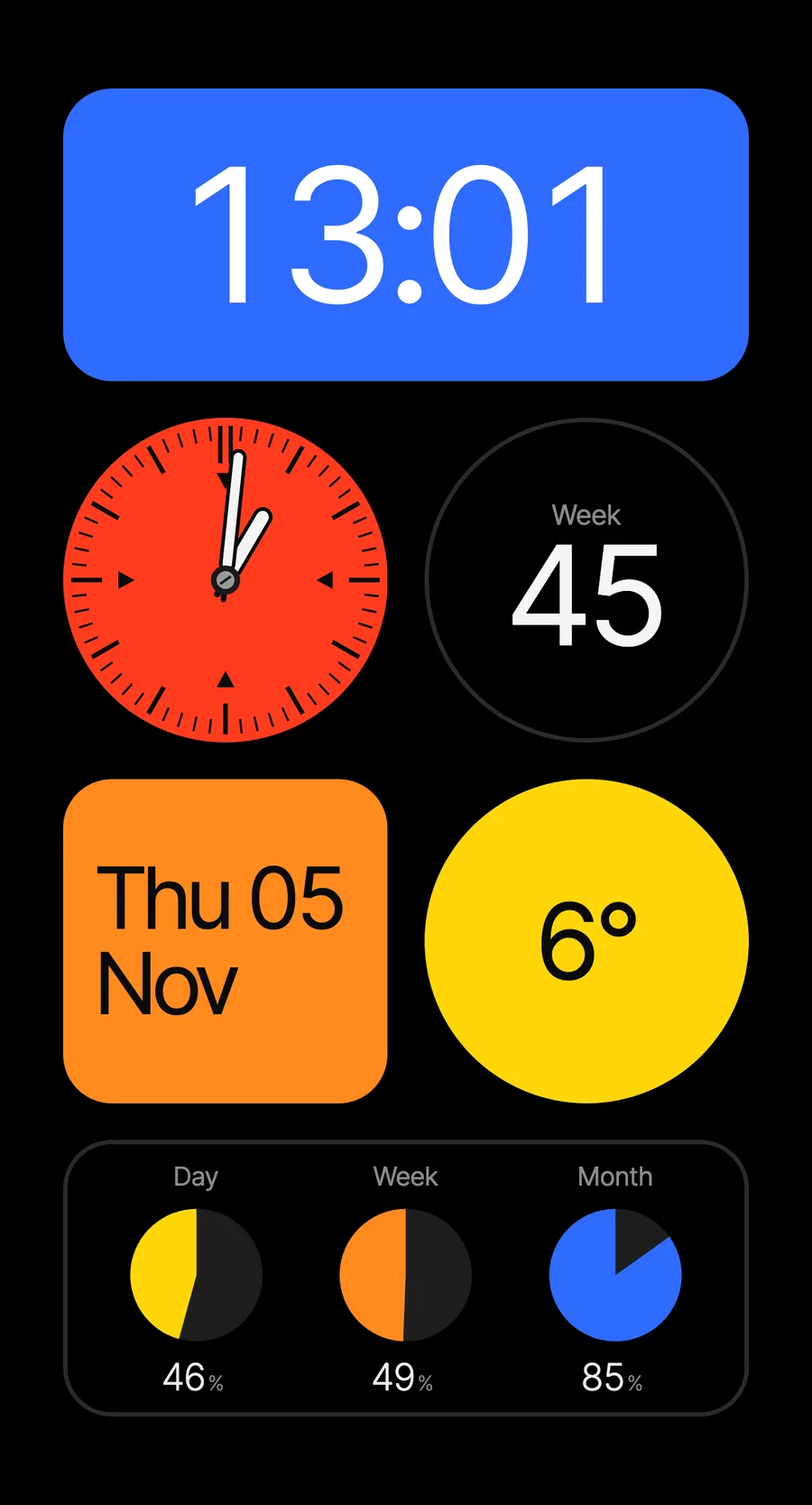

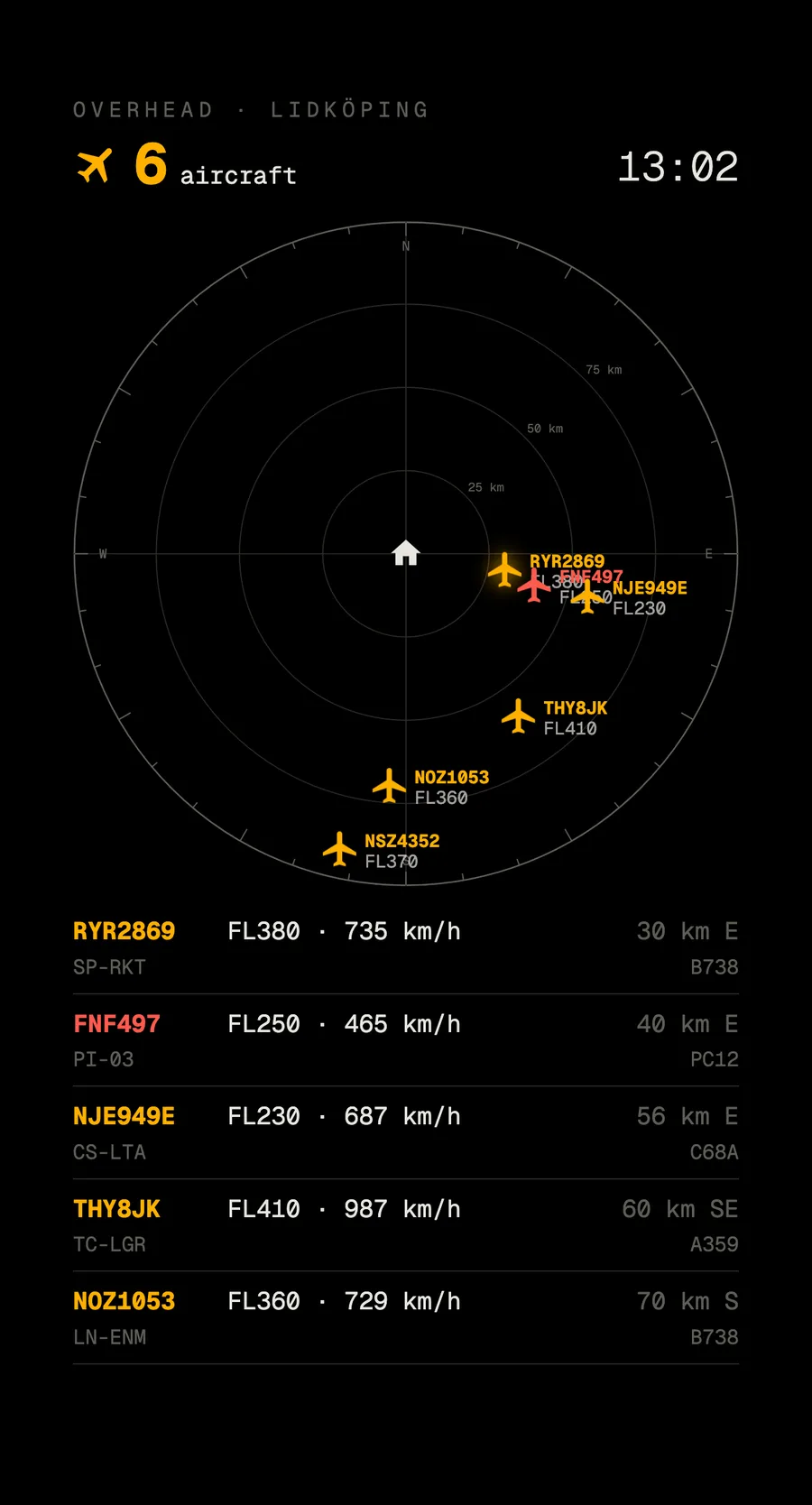
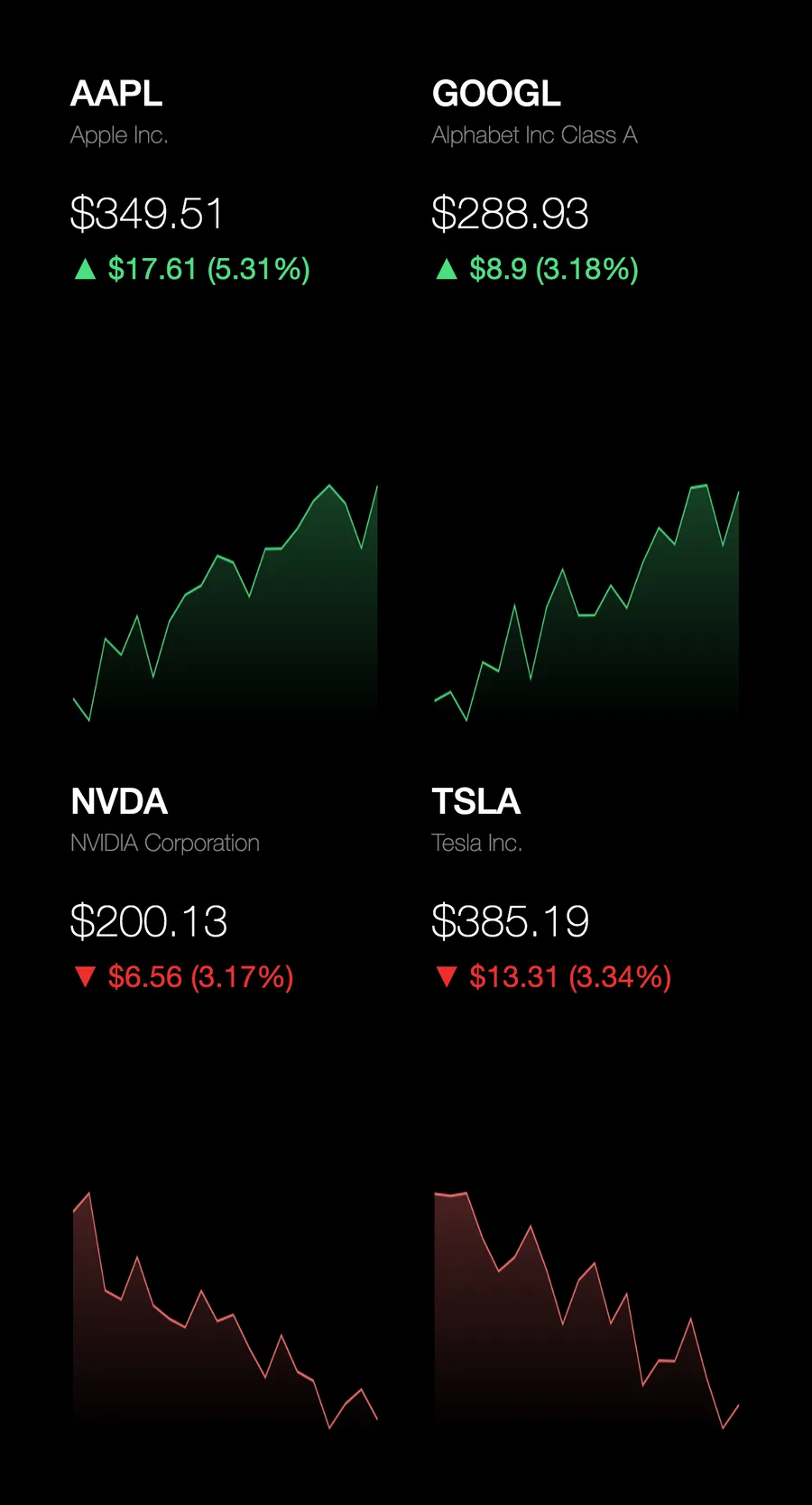
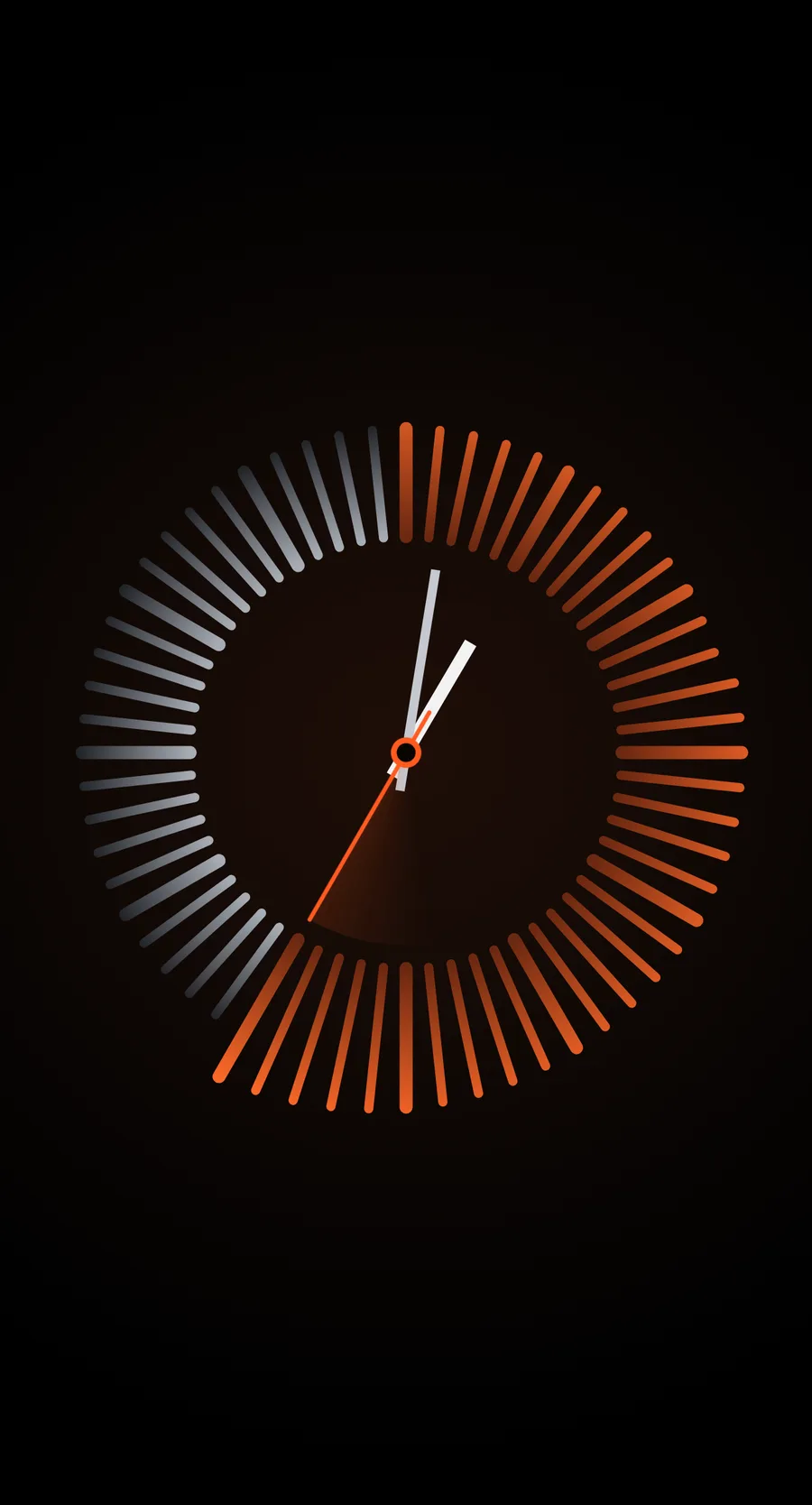
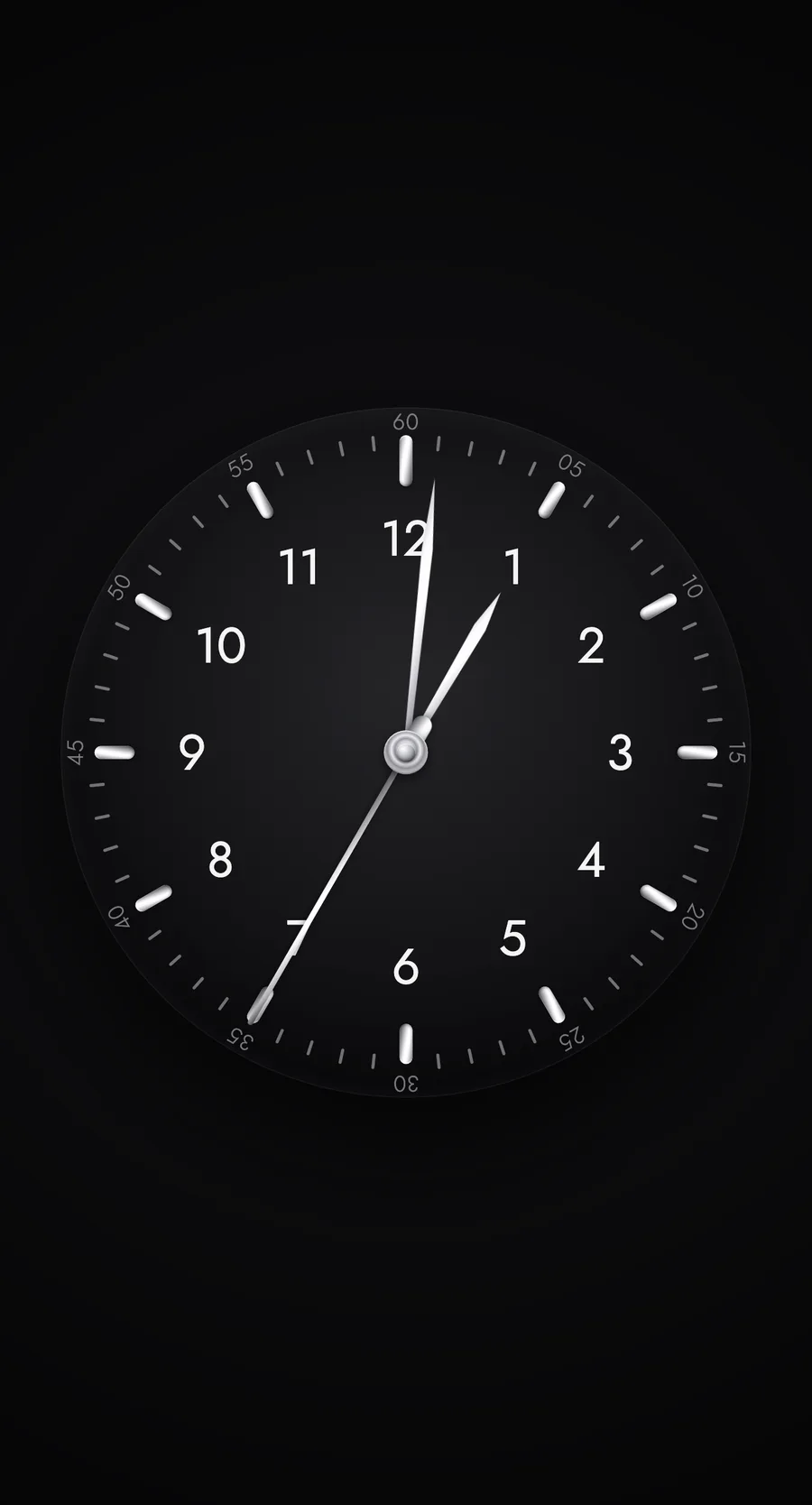
Overhead is the only one that needed more than a static file. It has its own little server.js, because adsb.lol sends no CORS headers and the page can’t fetch it directly. Routes come from adsbdb.com and are crowd-sourced, so treat them as best effort.
How it works
The idea is almost embarrassingly simple.
My Mac is the web server. The Pi is just a screen.
A dashboard is a single index.html with inline <style> and <script>. No build step, no framework, no bundler. I open it directly in a browser while I work on it, and when it looks right I push it to the wall.
Nothing is installed on the Pi. It opens a URL on my Mac and renders it full-screen. If I stop the server, the screen goes blank — the Pi holds no copy of the page.
The whole trick is one SSH command, launching Chromium in kiosk mode:
ssh pi@192.168.XX.XX "DISPLAY=:0 XAUTHORITY=/home/pi/.Xauthority setsid nohup \
  chromium-browser --kiosk http://$LOCAL_IP:$PORT \
  --noerrdialogs --disable-infobars --incognito \
  --disable-translate --disable-features=TranslateUI \
  --disable-session-crashed-bubble --no-first-run \
  --user-data-dir=/tmp/chrome-kiosk \
  --simulate-outdated-no-au='Tue, 31 Dec 2099 23:59:59 GMT' \
  --disable-component-update > /tmp/kiosk.log 2>&1 < /dev/null &"
What all those flags are for
--kioskis the one that counts. Full screen, no address bar, no tabs, no window chrome.--noerrdialogsand--disable-infobarskeep dialogs and bars off the wall.--incognitostarts clean every launch. Good for dashboards, annoying for anything you log into — more on that below.--disable-translateand--disable-features=TranslateUIstop the translate bar. One of my dashboards is in Swedish, and Chromium kept offering to fix it.--disable-session-crashed-bubbleand--no-first-runstop the “Chrome didn’t shut down correctly” bubble after a power cut.--simulate-outdated-no-auand--disable-component-updatekill the update nag. The Pi runs Chromium 92, the last build in the Raspbian buster repo. It is never getting an update, so it should stop asking.
Serving the page
There is no web server to configure. It’s just an npm script per dashboard, running http-server on its own port:
"start:clock": "http-server src/dashboards/clock -p 8083 -a 0.0.0.0",
"clock": "concurrently \"npm run start:clock\" \"./deploy.sh 8083\""
Designing for an older Raspberry Pi
Mine is a Pi 2, and there are really only two constraints worth planning around.
Everything is designed 9:16 first. Pages size to vmin and rem so I can work on them in a browser window on my Mac and trust them on the wall.
Chromium 92 is the baseline. CSS variables, clamp(), flex and grid gap, optional chaining and ?? all work. Container queries and :has() do not. Worth checking before you reach for something.