Inside curity.io — the tech stack and moving parts behind the site draft
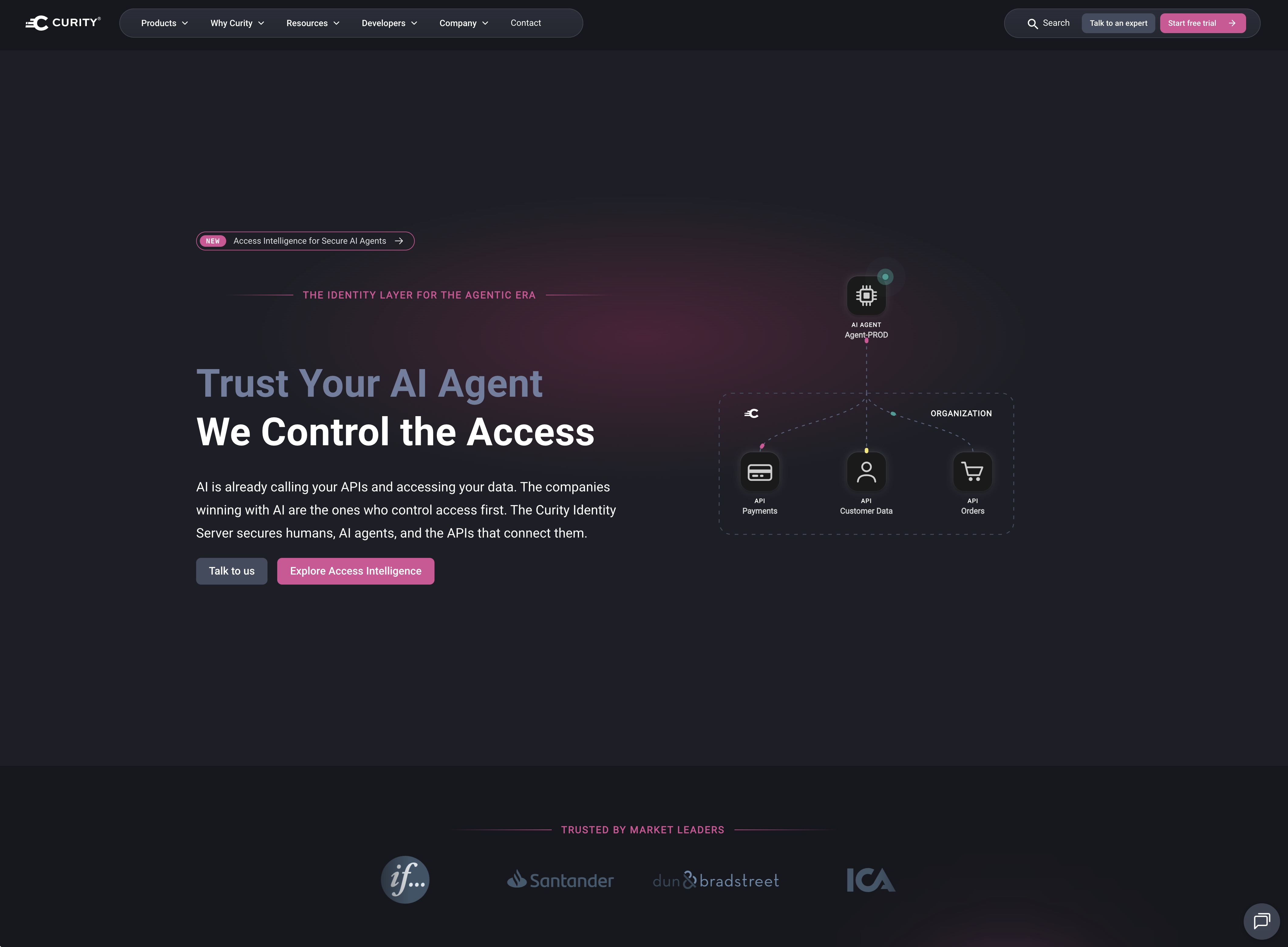
The curity.io website is more than a marketing brochure — it’s a fully statically generated site that stitches together MDX articles, a headless CMS, structured JSON, analytics, search, and a handful of home-grown build-time tools. This post walks through the full stack and lists every major part of the site, so you know what you’re looking at when you browse the repo.
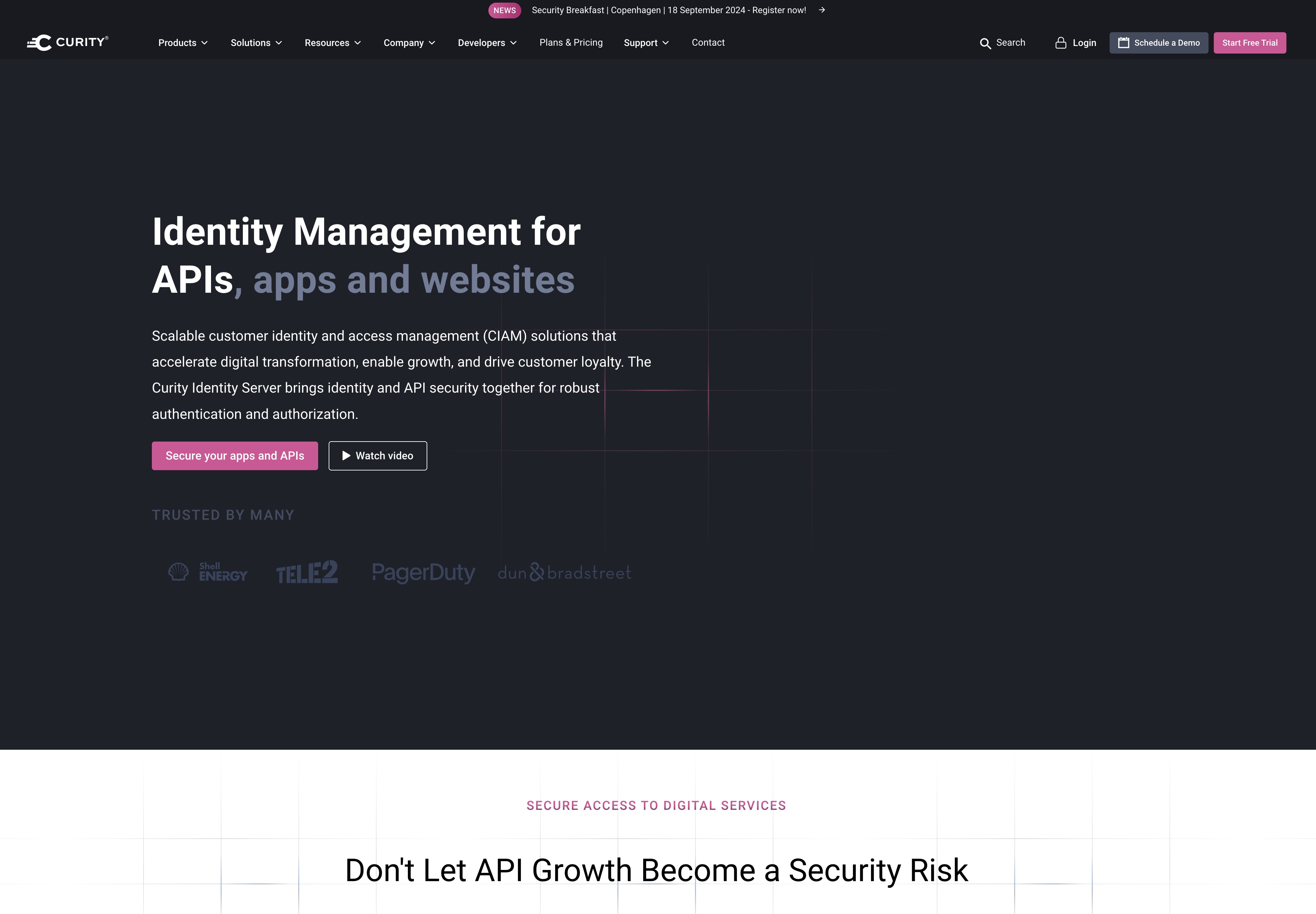
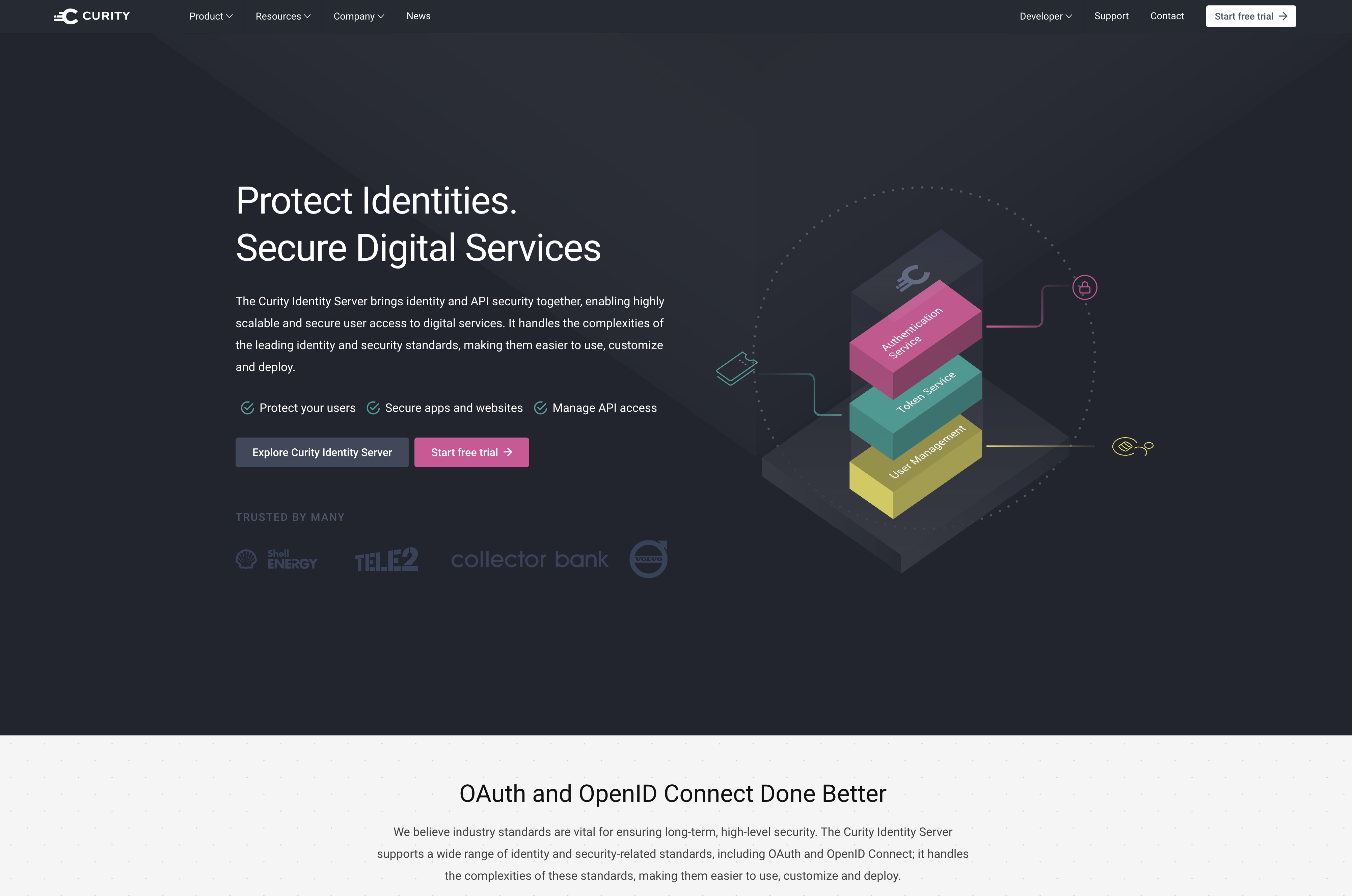
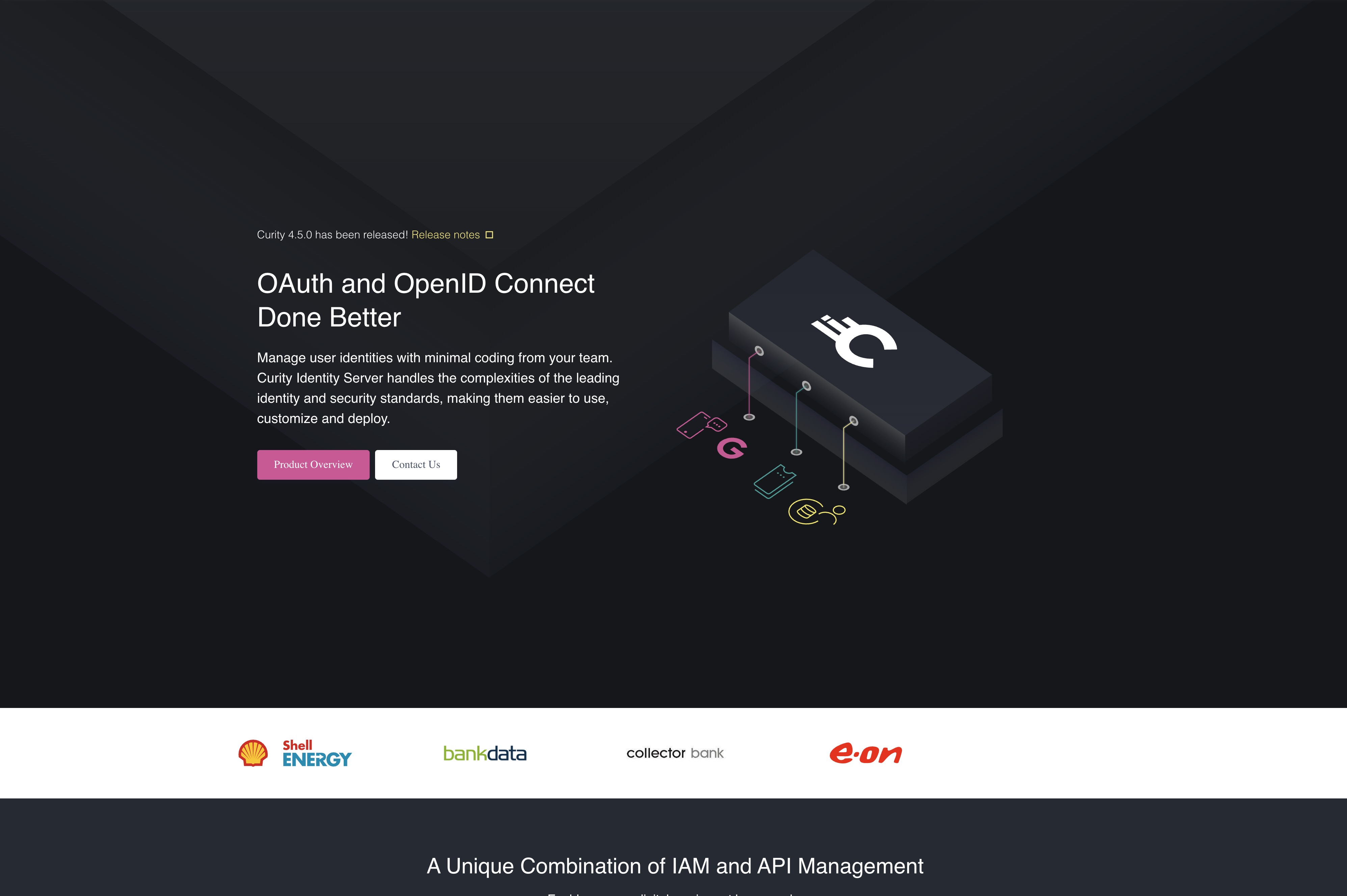
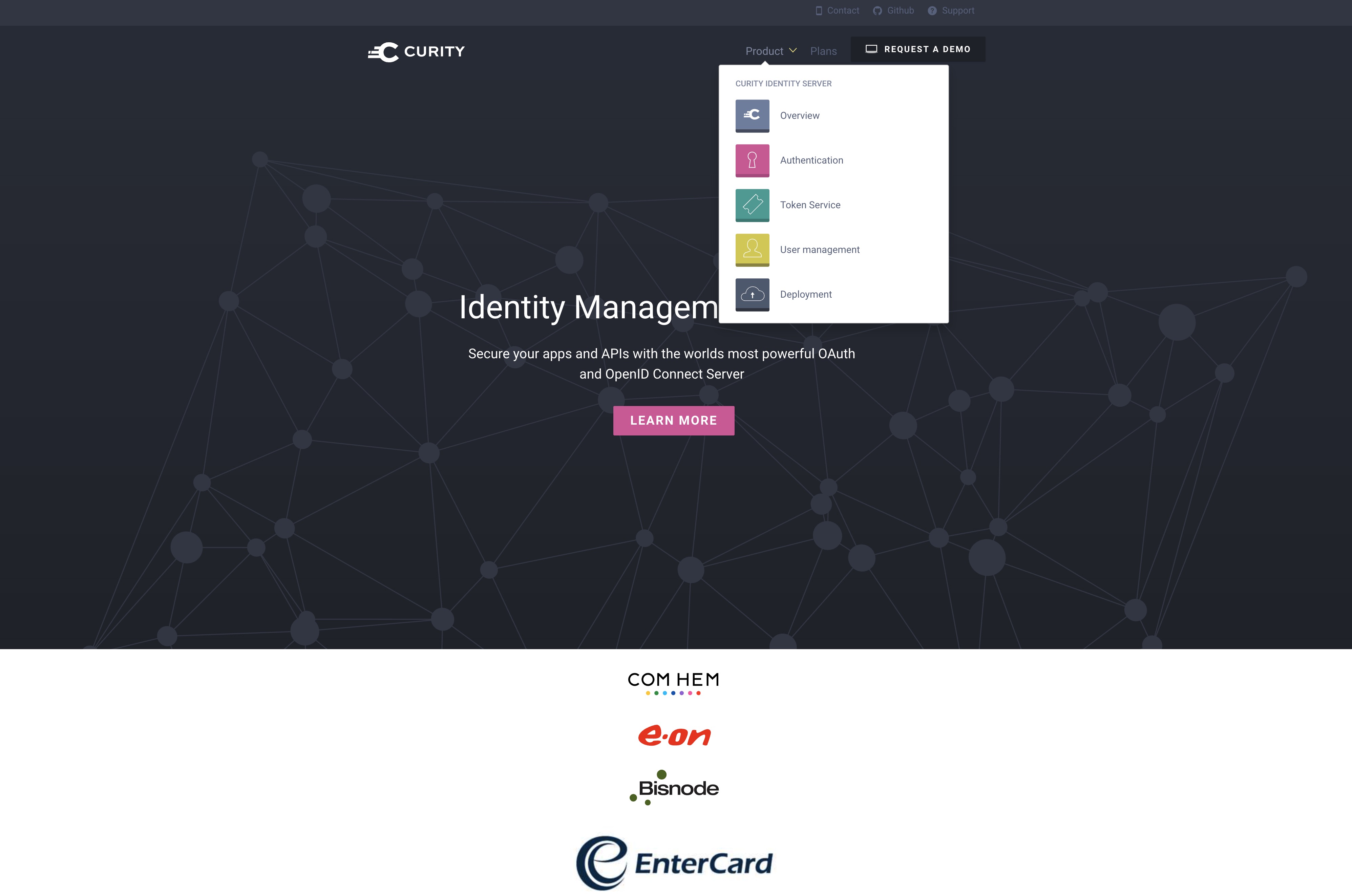
For a sense of how far things have come, here is curity.io in July 2017 via the Wayback Machine — a single static landing page. When we started this website, it was around 10 pages. Today it’s ~1,500 pages. The stack below is what it took to get there.
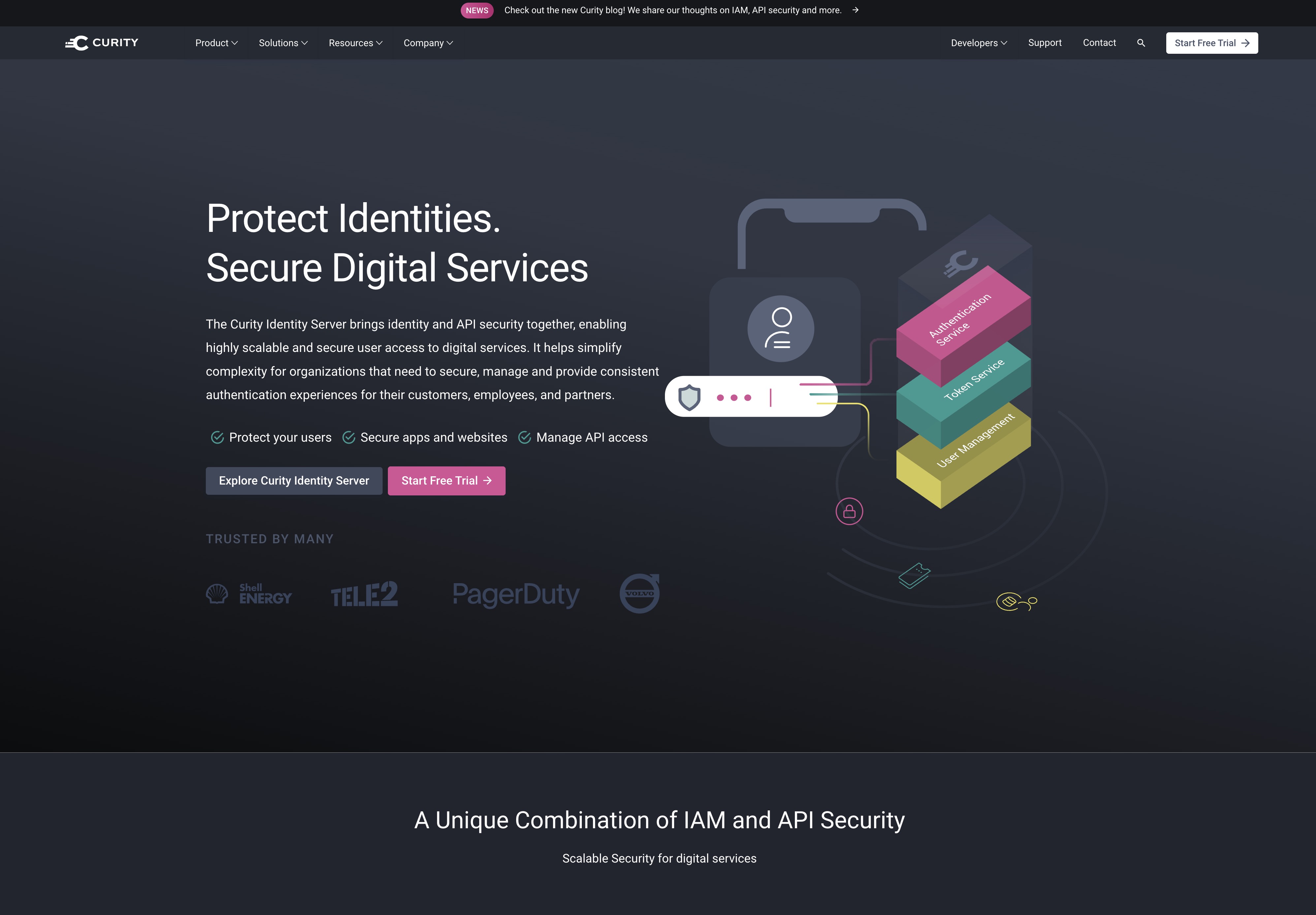
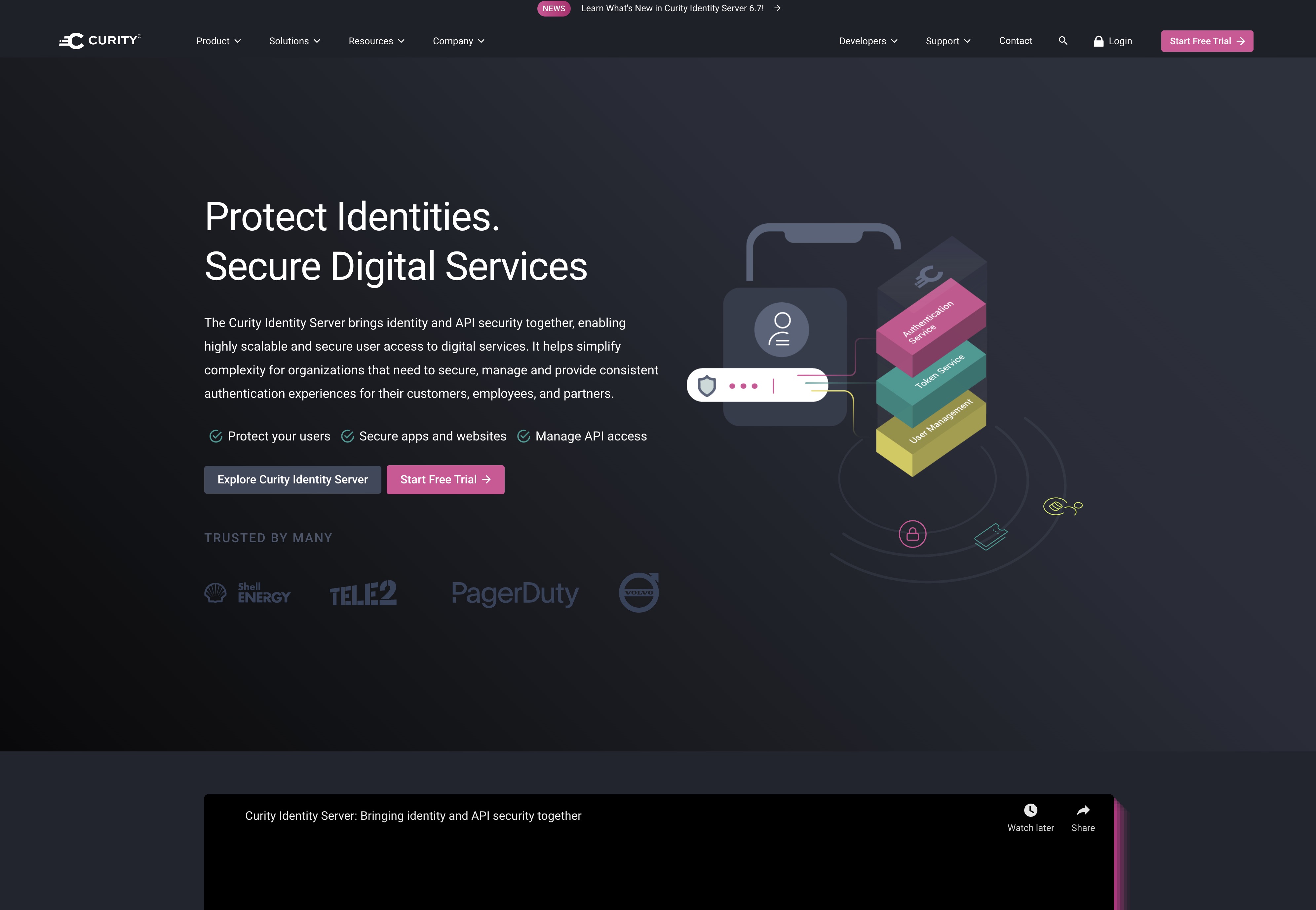
A decade of redesigns
Architecture
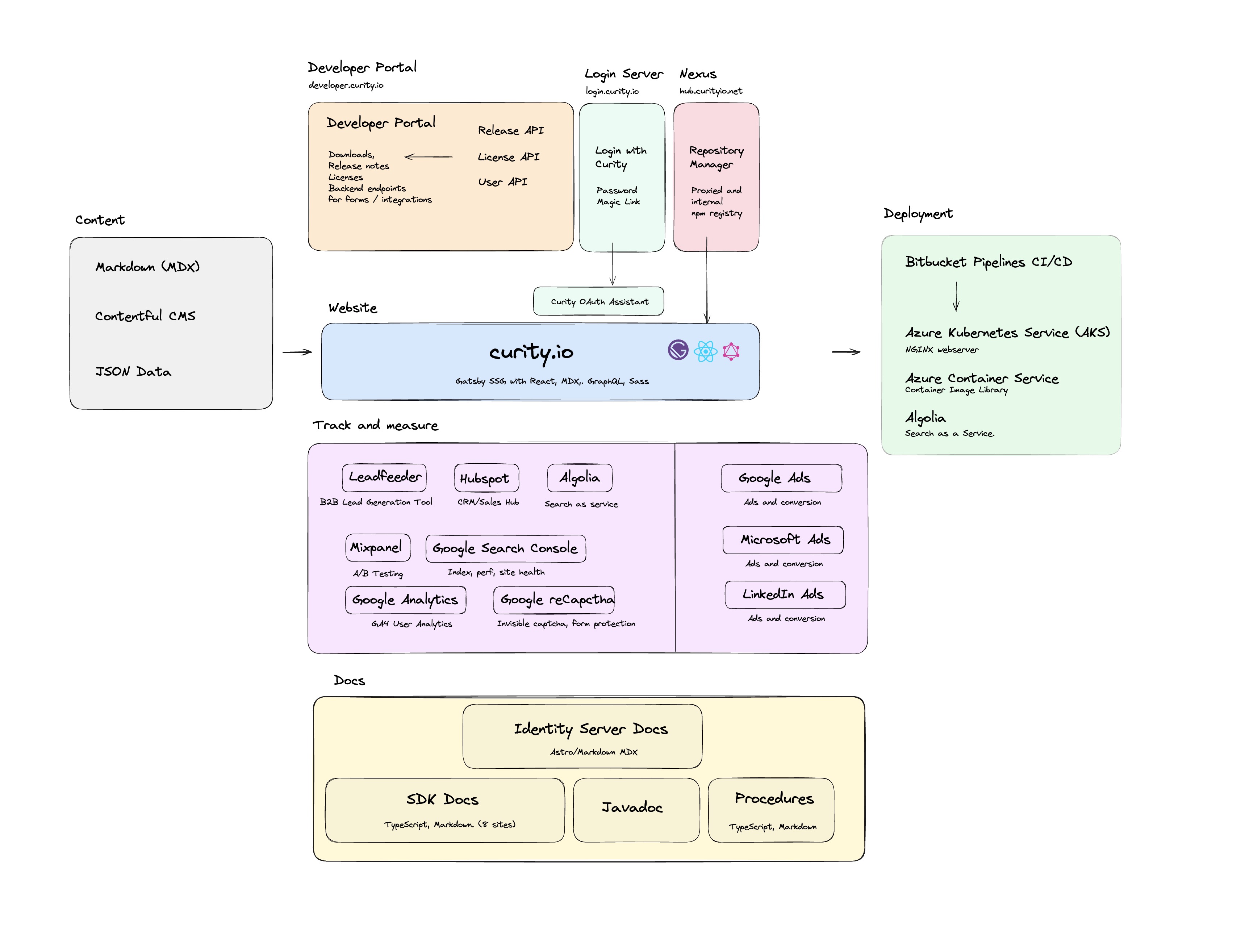
The diagram maps the services, content sources, and surfaces that make up the site. It’s not exhaustive, but it captures the main moving parts and how they connect.
At a high level, the arrows on the diagram represent these flows:
- Editorial content (news, blog, customer stories, landing pages, career posts, webinars, partners, documents, events calendar) lives in Contentful and is pulled in at build time.
- Developer resources (articles, how-tos, code examples, guides) live as MDX files in the repo alongside JSON data for taxonomies.
- Both of those sources feed curity.io — the Gatsby SSG site itself.
- hub.curityio.net, a Nexus Repository Manager, fronts the proxied and internal npm registry that the build depends on. Javadoc and internal procedures are published from the same host.
- login.curity.io handles “Login with Curity” (password and magic link) for gated areas, and the Curity OAuth Assistant on the site talks to it for OAuth demos.
- developer.curity.io and several SDK docs sites (Astro + MDX, around eight of them, TypeScript/Markdown) and the Identity Server Docs sit next to the main site as their own surfaces.
- The site exposes form and integration endpoints backed by the Release API, License API, and User API — used for downloads, release notes, and license flows on the Developer Portal.
The services in detail
Grouped by the zones in the sketch. Each entry: what it is, and what it does for the site.
Content sources
- Contentful CMS — the headless CMS that holds every editorial content
type: news posts, blog posts, customer stories, standalone landing pages,
career posts, webinars, partner pages, documents, and the events calendar.
Editors work in Contentful’s UI; Gatsby pulls the data at build time via
gatsby-source-contentfuland renders it into static HTML. - Markdown / MDX files — developer-facing resources (articles, how-tos,
code examples, guides) live in the repo under
src/resource_pages/andsrc/training_pages/. MDX lets us mix prose with custom React components likeCrossRef,DocsRef,Admonition,Tabs,Lightbox, and more. - JSON data — static taxonomies (topics, areas, pagegroups, tags, course
sessions) live as JSON under
src/data/and are exposed to GraphQL. This is where non-content structure like “which topics exist” is defined.
Developer Portal (developer.curity.io)
- developer.curity.io — the gated portal where customers get downloads, release notes, and license management. Built on Astro with Markdown/MDX.
- Release API — backs the downloads and release-notes experience. The main site calls it to show what’s available and let users grab a build.
- License API — powers license lookup, creation, and renewal flows.
- User API — backs user profiles and account operations behind the portal, and the forms on curity.io that require user context.
- Together these three APIs are the “backend endpoints for forms and integrations” referenced on the diagram — contact forms, download requests, trial sign-ups all eventually talk to one of them.
Login Server (login.curity.io)
- login.curity.io — an instance of the Curity Identity Server that handles “Login with Curity” for any gated area (portal, forms, demos). Offers password and magic link flows.
- On the main site,
@curity/oauth-assistantdrives interactive OAuth demos against this same identity server, so visitors can see a real flow end to end.
curity.io (the main site)
- Gatsby 5 SSG — renders everything to static HTML at build time using React 18, MDX, an internal GraphQL layer, and SCSS.
- Curity OAuth Assistant — the embedded OAuth demo tooling, backed by login.curity.io.
- Google reCaptcha — invisible captcha on contact/trial/download forms to keep bot submissions out of HubSpot.
- A/B testing — lightweight split testing on hero variants and CTAs via a simple client-side switcher.
- Algolia (client side) — the search input at
/searchqueries Algolia usingalgoliasearch+react-instantsearch; the index itself is pushed at build time (see Deployment).
Track and measure
Measurement is split into three concerns: traffic analytics (who visits, from where), product analytics (what they do once here), and lead attribution (how visits become pipeline). Each concern has its own tool.
- Google Tag Manager (
gatsby-plugin-google-tagmanager) — the top-level container. Most pixels and tags are loaded through GTM so marketing can swap or add them without a site deploy. GTM is the one script we control centrally; everything below is either loaded by GTM or wired directly in Gatsby. - Google Analytics 4 (
gatsby-plugin-google-gtag,react-ga4) — sessions, pageviews, bounce rates, funnels, acquisition channels. The React-sidereact-ga4wrapper is used for explicit custom events that we don’t want to rely on auto-collection for. - Mixpanel (
mixpanel-browser) — richer event analytics on developer-oriented surfaces:/searchqueries and result clicks, OAuth Assistant steps, download clicks, resource-page interactions. Mixpanel is where we look when “what are devs actually doing” is the question. - Google Search Console — SEO side: indexing status, impressions and clicks per query, Core Web Vitals, crawl errors, structured-data warnings. Not wired into the site bundle; consumed externally by the marketing team.
- Leadfeeder — B2B visitor identification. Reverse-IPs company visitors, filters out consumer ISPs, and pushes firmographic signals (“Company X read the API security page”) straight into HubSpot so sales can follow up even when nobody filled in a form.
- HubSpot — the CRM and sales hub. Every form on the site (contact, trial, book a call, newsletter, webinar signup) writes into HubSpot via embedded forms or direct API. HubSpot is also where marketing automation (drip emails, lifecycle stages) runs.
- Reddit Pixel (
gatsby-plugin-reddit-pixel) — conversion pixel for campaigns driven from Reddit. - Cookie consent (
js-cookie) — reads/writes the consent cookie that gates which of the above scripts are allowed to fire. No consent → no analytics, no ad pixels.
Marketing and ads
Ad channels and their conversion loops:
- Google Ads — search and display campaigns; conversion events are sent via GA4 → Google Ads import, plus a direct conversion tag for the highest-intent actions (book-a-call, trial sign-up).
- Microsoft Ads (Bing) — the Microsoft ad network with its own UET tag for conversion tracking, loaded through GTM.
- LinkedIn Ads — B2B campaigns backed by the LinkedIn Insight tag (loaded via GTM) for conversion tracking and matched-audience building.
- UTM and campaign routing — campaign-specific landing pages in
src/pages/(CIAM for digital banking, fintech, open-banking variants for UK/US/Brazil/Vietnam, API World, Identiverse, Gartner IAM) give each channel its own landing page to route ads at. - Newsletter —
newsletter.mdxhooks the same HubSpot forms as the rest of the site, so subscribes flow into the same lifecycle pipeline.
Deployment and infrastructure
The deploy pipeline is end-to-end in Bitbucket Pipelines, with staging and production pushing to the same AKS cluster under different namespaces/hosts.
- Bitbucket Pipelines (
bitbucket-pipelines.yml) — CI/CD. A typical run:npm ciagainst the internal Nexus registry.- Lint (ESLint +
eslint-plugin-mdx) and Prettier check. - Dependency audit gate via
audit-ci. - Gatsby build — sources Contentful, MDX, and JSON; generates pages;
emits
public/. - OG/hero image generation (
tools/generate-og-image.js,generate-hero-og-image.js). - Feed generation (article, blog, code, how-tos, news) plus
llms.txt, sitemap, video sitemap, robots.txt. - Algolia index push via
gatsby-plugin-algolia. - Cypress E2E + accessibility (
cypress-axe) smoke. - Docker image build and push to Azure Container Registry.
- Helm-based deploy to AKS (staging, then production on tag).
- Azure Kubernetes Service (AKS) — the runtime. Manifests in
kubernetes/, packaged by the chart inhelm-chart/. Rolling updates, readiness/liveness probes, HPA on CPU for traffic spikes. - Azure Container Registry — the private registry that backs the “container image library” box on the diagram. AKS pulls from here.
- NGINX — web server in front of the static build. Serves
public/with long-cache headers on hashed assets, short cache on HTML. The CSP lives inkubernetes/csp.conf, mirrored inlocalbuild/csp.confso the local prod preview matches production. - Local production preview —
localbuild/start.shwraps the built artifact in the same NGINX + CSP so CSP regressions get caught locally. - Algolia (build side) —
gatsby-plugin-algoliapushes only the content index once the build succeeds, so the search index never drifts ahead of the live site. - Secrets — Contentful tokens, Algolia admin keys, HubSpot portal IDs, container registry credentials live as Bitbucket repository/deployment variables. Nothing secret is committed.
Nexus (hub.curityio.net)
- Repository Manager — a Nexus instance acting as the single source of truth for build-time packages.
- Proxied and internal npm registry — the site’s
npm installgoes through Nexus, which caches public packages and hosts Curity’s internal ones (like@curity/oauth-assistant). - Javadoc — published API docs for the Identity Server SDKs.
- Procedures — internal script procedures hosted from the same place.
Adjacent docs and SDK properties
- Identity Server Docs — the product documentation, built on Astro with Markdown/MDX.
- SDK docs — around eight smaller sites documenting individual SDKs, also TypeScript + Markdown. Each lives in its own repo and deploys independently, but shares design patterns with the main site.
People on the diagram
- Urban, Nikos, PME, Maria — the folks who own and maintain the parts above day to day. The diagram highlights them as a reminder that “the stack” is also “the team”.
Core framework
- Gatsby 5 — static site generator. Every page is pre-rendered at build time. No SSR, no DSG.
- React 18 — functional components and hooks only.
- Node.js ≥ 24.14 and npm ≥ 10.8 as the toolchain baseline.
- GraphQL as the internal data layer
Content sources
The site blends three content sources, unified by Gatsby’s GraphQL layer:
- MDX files — developer resources in
src/resource_pages/and training courses insrc/training_pages/. Resolved to/resources/learn/{slug}/. - Contentful (headless CMS) — editorial content: blog posts, news,
landing pages, videos, webinars, documents, customer stories, careers, and
partners. Pulled via
gatsby-source-contentful. - JSON data in
src/data/— taxonomies such as topics, areas, pagegroups, tags, and course sessions.
MDX pipeline
@mdx-js/mdx+@mdx-js/react— MDX 2 runtime.gatsby-plugin-mdx— wires MDX into Gatsby.remark-gfm— GitHub-flavoured Markdown.- Custom MDX components:
CrossRef,DocsRef,Admonition,Scroller,KeyTakeaways,Tabs/Tab,Lightbox,Modal,StructuredImageData,OutboundLink,OauthToolsLink,Link,ResourcePageVideoEmbed,Gist.
Styling
- SCSS today, with an ongoing migration toward vanilla CSS.
gatsby-plugin-sassfor compilation.- CSS modules with camelCase class names (Gatsby quirk — kebab-case breaks named exports).
- No CSS framework — styles are hand-rolled around a token system in
src/css/andsrc/scss/.
Images and media
gatsby-plugin-image+gatsby-plugin-sharp— responsive image generation (WebP/JPG, multiple breakpoints).gatsby-transformer-sharp— image GraphQL nodes.react-lite-youtube-embedandreact-youtube— video embeds.@rive-app/react-canvas— Rive animations.
Search
- Algolia —
gatsby-plugin-algoliaindexes content at build time,algoliasearch+react-instantsearchpower the client UI at/search.
SEO and discoverability
gatsby-plugin-react-helmet+react-helmet— meta tags.gatsby-plugin-react-helmet-canonical-urls— canonical URLs.gatsby-plugin-sitemap— sitemap generation with route exclusions.gatsby-plugin-manifest— PWA manifest.gatsby-plugin-feedplus custom feed generators intools/for news, blog, articles, how-tos, and code.llmstxt— generatesllms.txtfor AI crawlers viatools/llms-txt-generator.sh.- Video sitemap, robots.txt, and OG image generation live in
tools/. - Google Search Console — indexing, performance, and site-health monitoring.
Analytics and marketing
gatsby-plugin-google-gtagandgatsby-plugin-google-tagmanager.gatsby-plugin-reddit-pixel.mixpanel-browserfor product analytics.react-ga4for Google Analytics 4 user analytics.js-cookiefor cookie handling.- HubSpot — CRM and sales hub, fed by forms on the site.
- Leadfeeder — B2B lead-generation / visitor identification.
- Google Ads, Microsoft Ads, LinkedIn Ads — ad campaigns and conversion tracking.
Forms and interactivity
react-google-recaptcha— bot protection on contact forms.@reach/dialog— accessible modal primitives.@reach/router— routing helpers.@curity/oauth-assistant— OAuth demo tooling.prism-react-renderer+prismjs— syntax highlighting.typed.js— typewriter effects.rxjsandquery-string— reactive helpers and URL parsing.
Testing and quality
- Cypress 13 — end-to-end tests in
cypress/e2e/. cypress-axe+axe-core— accessibility checks.@testing-library/cypress— testing-library queries in Cypress.- ESLint (including
eslint-plugin-mdx) and Prettier. audit-ci— dependency auditing gate.
Build-time tools (tools/)
The site relies heavily on custom Node scripts invoked from gatsby-node.js:
resource-pages-creator.js— builds MDX resource pages with validation.training-pages-creator.js— training courses and lessons.contentful-pages-creator.js— Contentful content types.json-pages-creator.js— topic, area, and pagegroup pages.guides-pages-creator.js— application guides.oauth-tools-notifications-creator.js— OAuth tools notifications.mdx-validator.js— frontmatter and tag validation.generate-og-image.jsandgenerate-hero-og-image.js— Open Graph images.robotstxt-creator.js,video-sitemap.js,security-tools.js.- Feed builders:
article-feed.mjs,blog-feed.mjs,code-feed.mjs,howtos-feed.mjs,news-feed.mjs. - Maintenance:
find-unused-images.js,delete-unused-images.js,find-attribution-links.js.
Infrastructure
- Bitbucket Pipelines — CI/CD (
bitbucket-pipelines.yml). - Azure Kubernetes Service (AKS) — where the site is deployed.
- Azure Container Service — container image library.
- Helm — deployment manifests in
kubernetes/andhelm-chart/. - NGINX — web server in front of the static output.
- CSP configuration —
kubernetes/csp.confandlocalbuild/csp.conf. - Nexus Repository Manager at
hub.curityio.net— proxied and internal npm registry, plus Javadoc and procedures. - Local production preview via
localbuild/start.sh.
Auth and gated areas
- login.curity.io — “Login with Curity” for gated parts of the site. Supports password and magic link flows.
@curity/oauth-assistanton the site drives OAuth demos against the same identity server.
Adjacent docs and developer properties
curity.io doesn’t live alone. It sits in an ecosystem of sibling sites:
- developer.curity.io — Developer Portal, built on Astro with Markdown / MDX.
- Identity Server Docs — product documentation, also Astro / MDX.
- SDK docs — around eight smaller sites, TypeScript with Markdown, each documenting an SDK.
- Backend endpoints behind the Developer Portal: Release API, License API, User API — these power downloads, release notes, and license flows, and are also wired into forms on the main site.
The main parts of the site
Pages and templates break down into the following sections:
Top-level pages (src/pages/)
- Home (
index.js) and 404. - Product story:
product.mdx,solutions.mdx,idp.mdx,authentication-service.mdx,api-security.mdx. - Industry/solution landing pages: CIAM for digital banking, CIAM for fintech, open-banking variants (UK, US, Brazil, Vietnam), API World, Identiverse, Gartner IAM (US and global).
- Company:
company.mdx,contact/,support/,faq.js,legal/. - Resources hub:
resources.mdx,docs.js,feeds.mdx,oauth-tools.mdx,newsletter.mdx,what-analysts-say.mdx. - Commercial:
book-a-call.js,prizedraw.js,terms-of-service.js. - Utility:
search.js,training.js.
Templated content (src/templates/)
- Editorial:
blog.js,blog-post.js,blog-tag.js,news.js,news-post.js. - Long-form:
resource-article.js,landing-page.js,customer-story.js,document-post.js,webinar-post.js,video-post.js. - Taxonomy:
area.js,topic.js,pagegroup.js,author.js. - Careers and partnerships:
career-post.js,partner-page.js. - Training:
training-course.js,training-course-lesson.js,course-session.js. - Team content:
words-from-our-team-interview.js. - Guides:
templates/guides/.
How it all fits together
At build time, Gatsby:
- Sources data from Contentful, MDX files, and JSON via GraphQL.
- Runs the creators in
tools/to generate every dynamic page. - Optimises images, generates feeds, sitemaps, and OG images.
- Pushes the Algolia search index.
- Emits a fully static
public/directory deployed to Kubernetes.
The result: a marketing + developer-resources site that loads as pure static HTML, but is driven by a rich, multi-source content pipeline behind the scenes.